

A workspace that fits
Multiple SSH tabs, resizable splits, saved layouts, and terminal search.
A quieter place to work with your infrastructure. SSH terminals, remote files, and connection details — together, on your device.
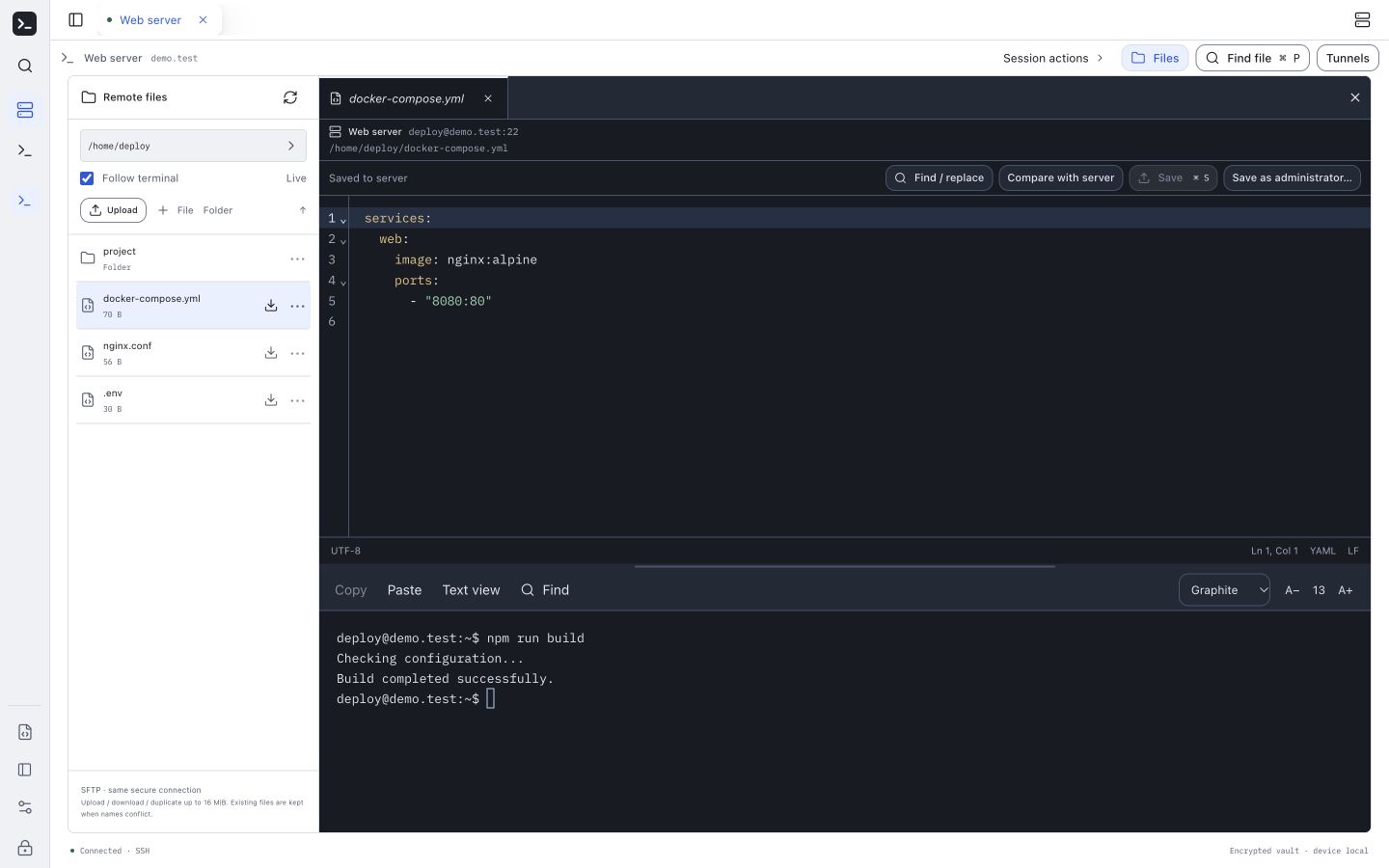
Move between terminals and remote files without losing the context of what you came to do.
Multiple SSH tabs, resizable splits, saved layouts, and terminal search.
Browse SFTP directories and edit remote text files, with a comparison before resolving save conflicts.
Encrypted connections, credentials, notes, and commands. Recovery keys and encrypted backups you keep yourself.
Your vault lives on your device. Connect directly to your servers. If you want sync, use your own sync service.
AI tools are optional, too. You choose the provider and the context to send. Local agent access asks for review before commands run.
Read how your data is handledStart with the Mac preview. Bring your feedback, and help shape what comes next.
Apple Silicon · DMG installer
SHA-256: f226b12db88bab2bdb43b0a8a57b6f14ff66cf7f32801e7c9b084a320be32567
Early test build 8 · c2bbc32
Unsigned and not notarized. macOS may block installation of this preview.
This beta may need your explicit approval in System Settings → Privacy & Security → Open Anyway. Approve only if you trust this download. Apple’s instructions
Mac · Apple SiliconFirst release target
Windows, iPhone & AndroidIn development · not available to download
This is a development preview, not an audited security product. Keep an encrypted backup and your recovery key before trying a new build.
Release notes & known limitsNo account is required for the local workspace. The app is free to use. Optional sync uses a separately configured service; optional AI providers may charge for API use.
Keep the recovery key shown when you create your vault. Without the passphrase or the matching recovery key, the encrypted contents cannot be recovered by the developer.
Early Mac releases will be available here as installer downloads. To update, quit Localfirst SSH, open the newer DMG, and drag the app into Applications. Choose Replace when asked; you do not need to uninstall first. Keep an encrypted backup and your recovery key before updating. Automatic updates are not available yet.
Public support details will be available with the first release. Include your app version and steps to reproduce the problem. Never send passwords, keys, private server details, or terminal transcripts.